
Guide for setting up the patch

Things to know before proceeding
  • This patch unlocks everything gated behind HITMAN's online mode in fully functional form except leaderboards and Contracts Mode.
    • Leaderboards will work, but they won't show usernames. In Contracts Mode, only contract lookup by ID and Featured Contracts will work.
  • You can launch the game from Steam to play and track playtime using Steam, but you will be unable to get Steam achievements. If you care about this, you will need to use something like Achievement Watcher to get a similar experience.

Getting Clean Game Files from Steam

  1. You will need a Steam account and the Steam client for Windows installed.

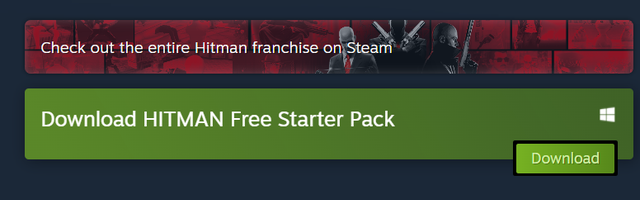
  2. Open Steam on your PC and search for "HITMAN: World of Assassination". Go to the store page and you will see this button:
    image

  3. Press the Download button and wait for Steam to install the game to your PC.

Installing the Patch

  1. Download the installer linked in the main page.

  2. Run the installer and choose the options you want. That's all.

Updating the Game and Patch

  • The patch checks for updates for itself by default whenever you enter the main menu and shows a popup if there's one available. To update, simply download and run the installer again.
  • You can update the game through Steam either before or after updating the patch.